 WatchBridge
WatchBridge
WatchBridge
Google TV suggests a movie and opens whatever streaming app it happened to come from. WatchBridge TV catches that click and sends it straight to the player you actually chose.
6
player apps supported
€4.99
one-time, not a subscription
5
devices per license
On a recommendation click
"Dune"
recommended on the launcher home screen
Identified via TMDB
Dune (2021) — not the 1984 original
Opens in Stremio
the player you picked in Settings
See it in action
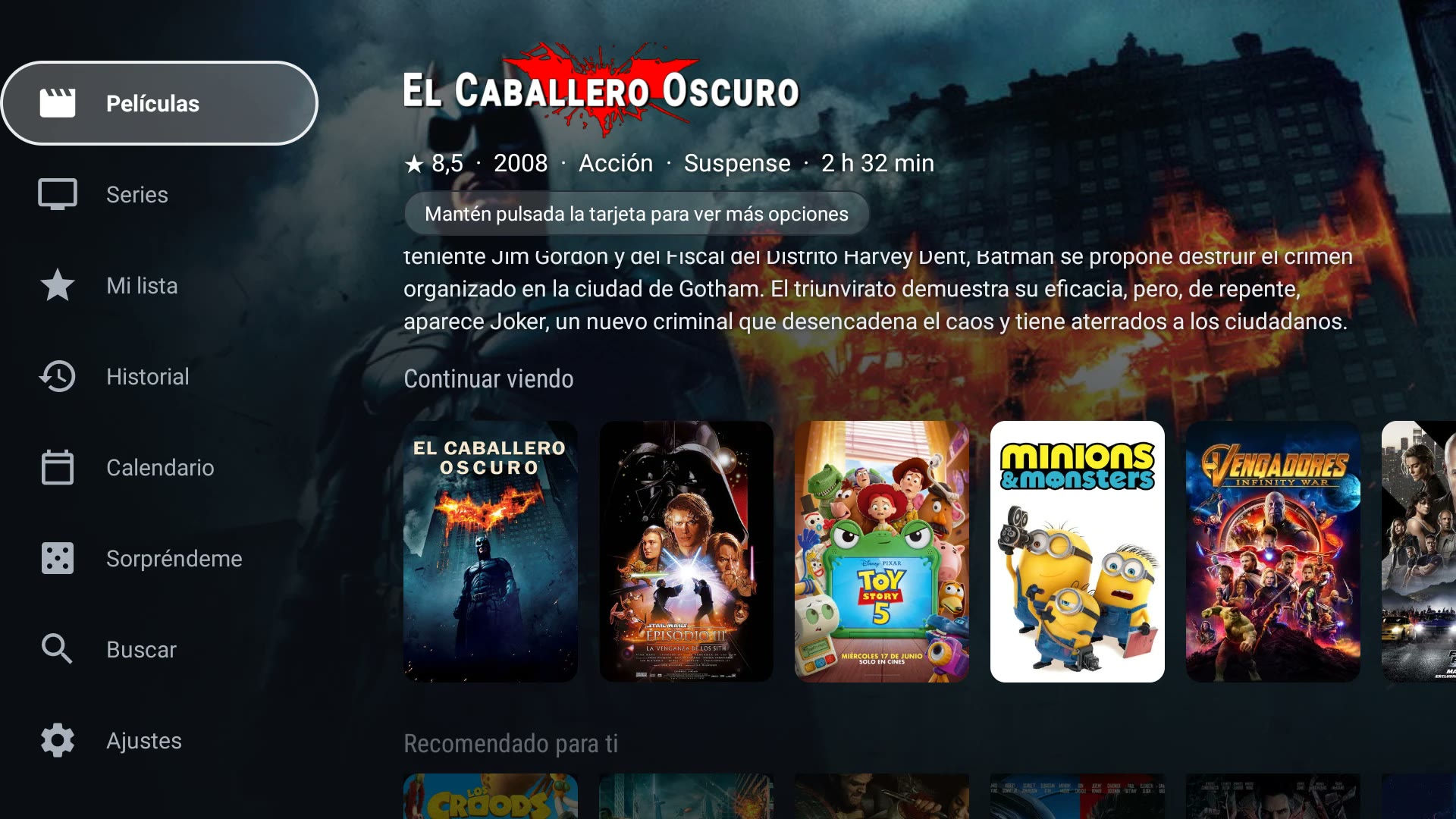
Real screen recording, unedited: a recommendation opens in Nuvio, then "Recommended for you" builds rows from what was watched, then a trailer plays straight from the recommendation row.
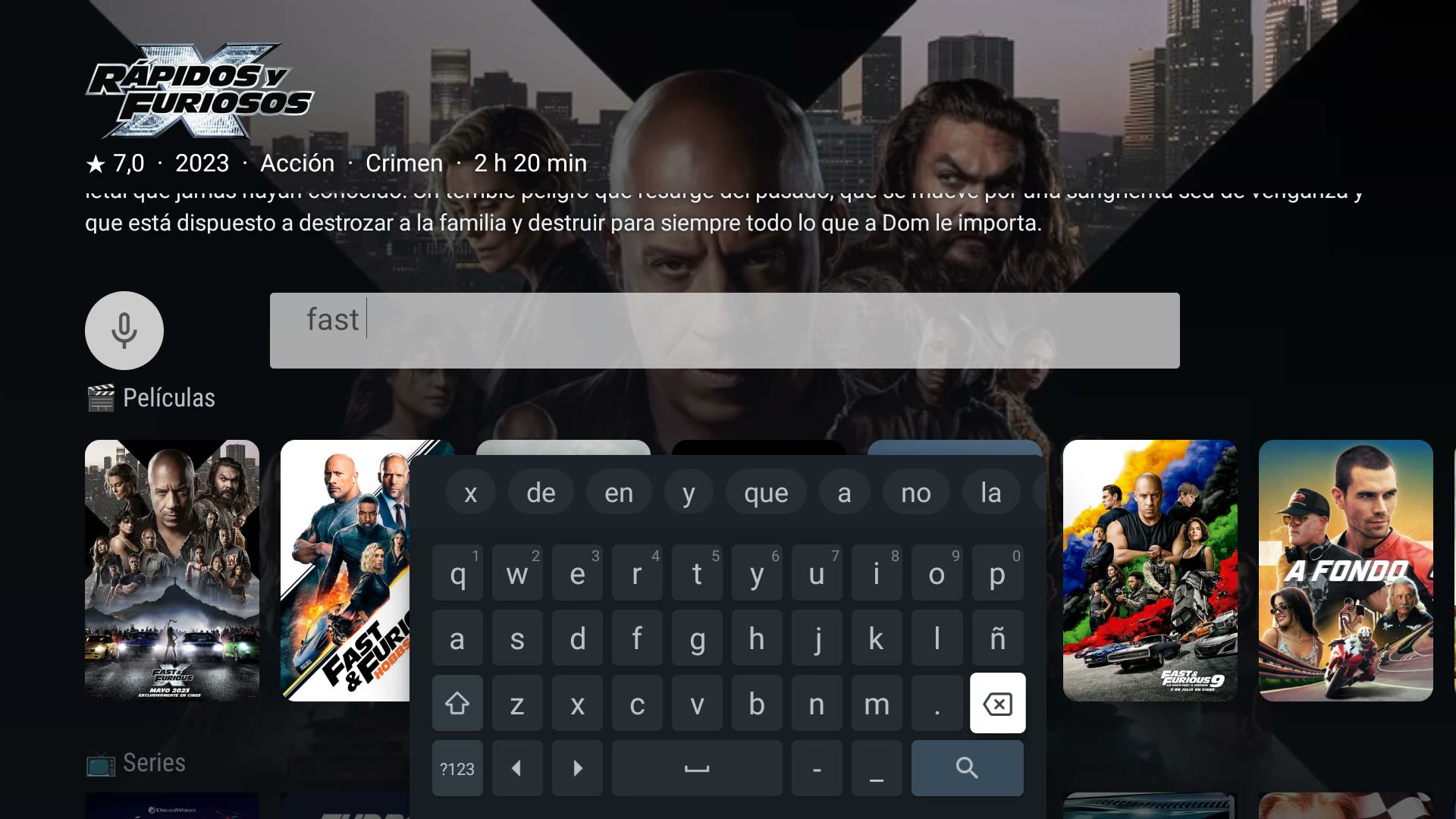
Also unedited: asking for a title by voice ("put on La Casa de Papel") opens it directly in Nuvio too, same as a regular card click.
The app itself
How it works
Android's Accessibility API lets an app observe what's on screen for assistive purposes. WatchBridge TV uses it narrowly — watching only for clicks on the launcher's recommendation cards. Every other click, app icons, menus, anything that isn't a recommendation, is left completely alone.
You select a recommendation. WatchBridge TV sees that click's payload — nothing else on screen.
Looked up against TMDB with a bundled key — nothing to set up. Remakes and same-named sequels get disambiguated, not guessed.
Opens straight in your chosen player — or shows a "Watch now" button first, if you'd rather confirm before it does.
Fire OS disables the standard Android Accessibility method for any app not installed from the Amazon Appstore — the same method every recommendation-redirect app depends on. The usual workaround is temporarily rooting your Fire TV Stick and replacing Fire OS's own launcher with Google TV's.
WatchBridge TV doesn't ask you to do any of that. Fire TV mode reads the recommendation's title straight off the screen using on-device text recognition — nothing recorded leaves the device. Grant Usage access and a one-time screen-recording permission, and it runs from your actual Fire TV home screen, no root, no launcher swap.
No root, no replacing Fire OS's launcher
Text recognition runs on-device — nothing uploaded
Honest about the tradeoff: hold still on a card for a couple seconds and confirm with OK — not instant like Google TV, but it works
Setup — one time
Open the app — Fire TV is detected automatically and shows the right button
Grant Usage access — Settings → Apps → Special app access
Accept the one-time screen-recording permission
Android keeps a recording indicator visible while it's active — a system requirement, not something we add.
Matching
When two titles share an exact name but not a year — a remake, say — WatchBridge TV asks which one you meant instead of guessing.
Pick once, and it's remembered: the same title never has to ask twice. And when one candidate is obviously the popular pick — a new release next to a decades-old obscurity — it skips the question entirely.
Turn it off from Settings → "Ask when a match is ambiguous" if you'd rather it always pick automatically.
"Dune" — two exact matches
Recommended again later — opens the 2021 pick directly, no question shown
WatchBridge Mobile is a companion app for Android phones and tablets — same account, same watch history and recommendations shared with your TV. Browse Movies, Series and My list, and tap a title to open it directly in Nuvio, Stremio, WuPlay, Plex, Jellyfin or Wholphin on your phone.
Not on Google Play yet — early build, sideloaded the same way as the TV app. Same free trial and one-time payment, verified with the same email.
Download the APKMovies, Series, My list and full History — same as on the TV
Same account: verify once, watch history syncs both ways
A phone/tablet counts separately from your TVs — doesn't use up a TV device slot
Found something on your phone? Tap "Send to TV" and it opens there automatically
Also included
Already on your own server? Opens straight there instead of your usual player — no search needed.
Optional confirm button before opening, so a stray click never redirects you by accident.
Sends YouTube recommendations to SmartTube or TizenTube Cobalt instead — independent of your movie/show player.
One license, up to 5 TVs. See every linked device and unlink any of them, anytime.
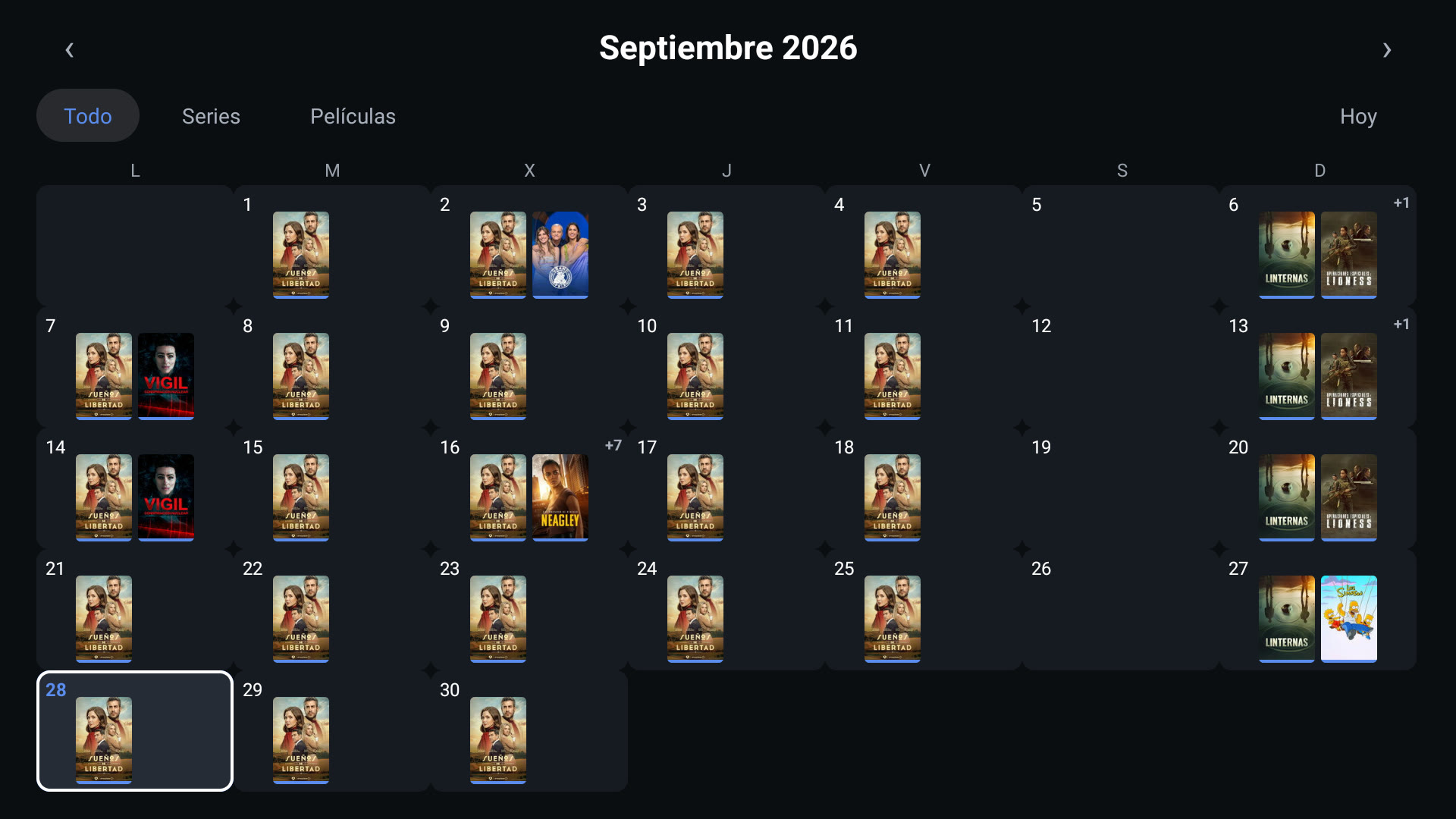
A whole screen inside the app: Movies, Series, My list, and History tabs, a Continue watching row, next-episode dates for series you follow, and titles recommended by two or more things you've watched at once — via TMDB, shared across every TV linked to your account.
A button next to the tabs picks something at random from whatever you're browsing — movies or series — and opens it directly. No scrolling needed.
Optional, off by default: pick a different app for movies than for series, instead of one app for everything.
Works with Nuvio, Stremio, and WuPlay: recognizes what you're watching even if you didn't open it through the app, feeding Continue watching and clearing titles off My list automatically. Optional, experimental.
Invite a friend from Settings → Subscription — you get +4 trial days once they actually use the app, +15 more if they buy Lifetime, and Lifetime free after 10 friends who buy.
Pricing
Pay once and it's yours. No recurring charge, no account, no password — just the email you paid with.
Free trial
2 days
no card needed, once per device
Lifetime
€4.99
paid once, yours for good
Scan the QR code shown in the app with your phone, pay with the same email, then verify it on the TV.
Installation
Now in closed testing on the Google Play Store — join the test to install it from there, or grab the APK from the latest release if you'd rather sideload it.
Downloader code
4414843
Always points to the latest version
Enable developer options: Settings → Device Preferences → About → tap "Build" 7 times, turn on Network debugging, then from your computer:
adb connect <tv-ip>:5555
adb install app-release.apk
Full walkthrough, screenshots included: the visual install guide.
Any Google TV device — Chromecast with Google TV, or a Google TV edition from Sony, TCL, Hisense — or any Fire TV device, via Fire TV mode above. Plus one of the six player apps already installed.